Choose a moment
Begin with an everyday photo you want to clean up, reframe, or turn into a new composition.
A straightforward photo editor
Shape the moments you already have. Crop, arrange, and refine everyday snapshots into crisp visuals that feel distinctly yours.
The complete NxyToon workspace
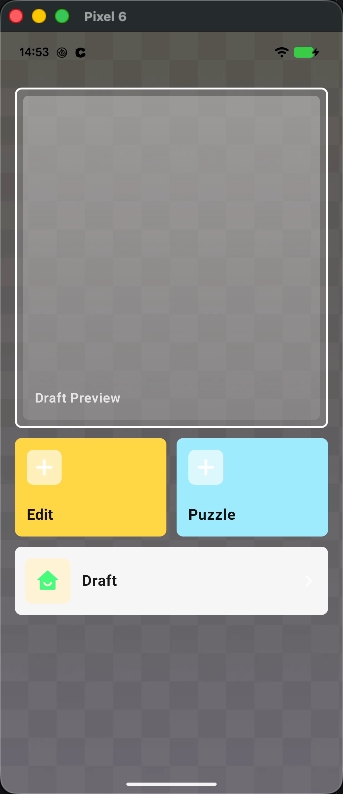
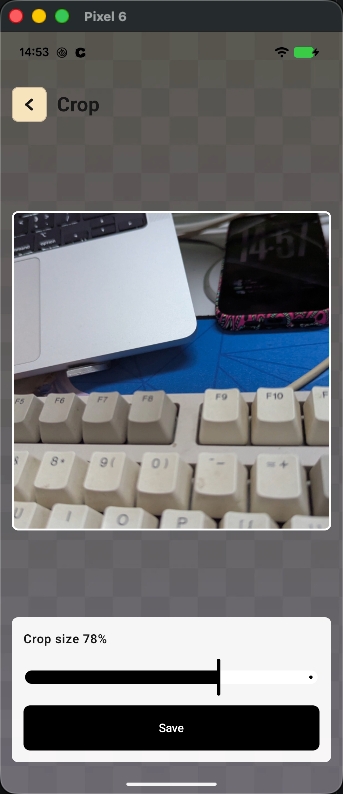
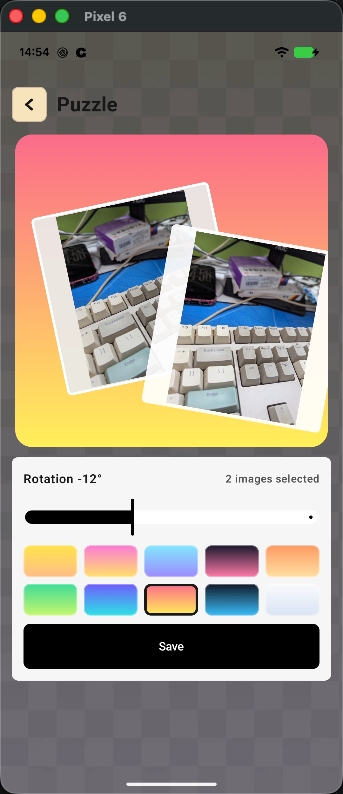
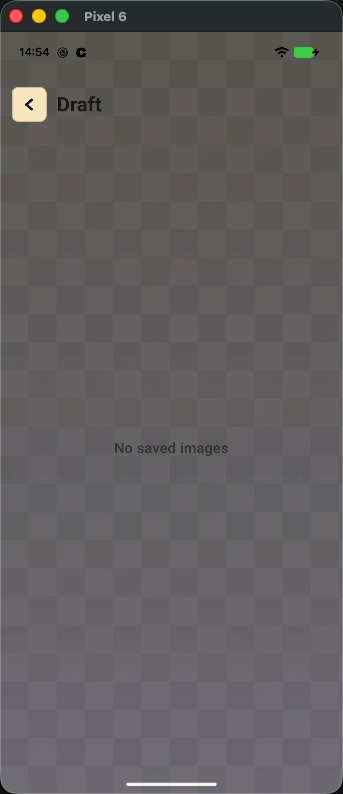
Explore the complete interface from the first choice through cropping, arranging, and returning to saved work.
A clear creative flow
NxyToon keeps the editing process focused, so the photo stays at the center of every decision.
Begin with an everyday photo you want to clean up, reframe, or turn into a new composition.
Crop the image or arrange multiple photos into a playful puzzle with color and rotation controls.
Save your finished visual or return to a draft when your idea needs another pass.
The working canvas
Use only what the image needs, then move on with a clean result.
Made for your everyday images
Give an everyday shot a cleaner, more considered frame.
Crop in on the part of the image that says the most.
Arrange related memories into one compact visual story.
Explore an idea without a complicated editing workflow.
Contact NxyToon
Questions about NxyToon? Send a message and we will get back to you.
infoshorme25@gmail.com